Your playlists, together
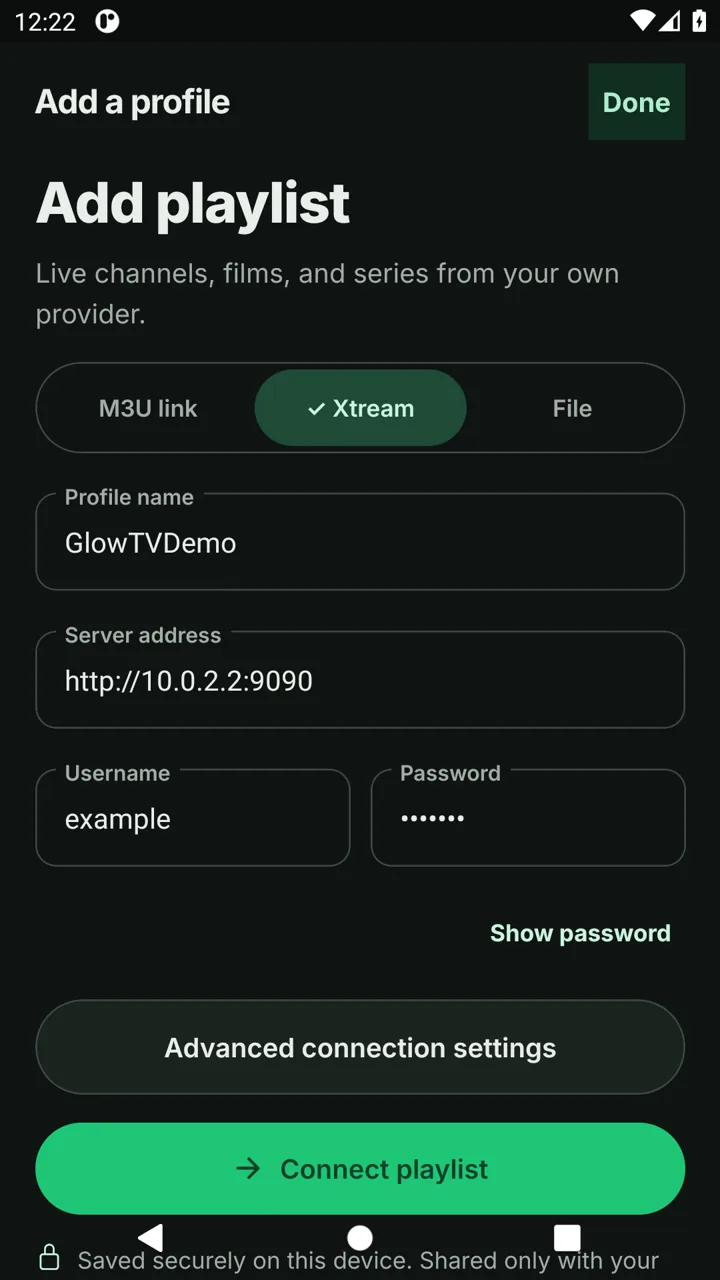
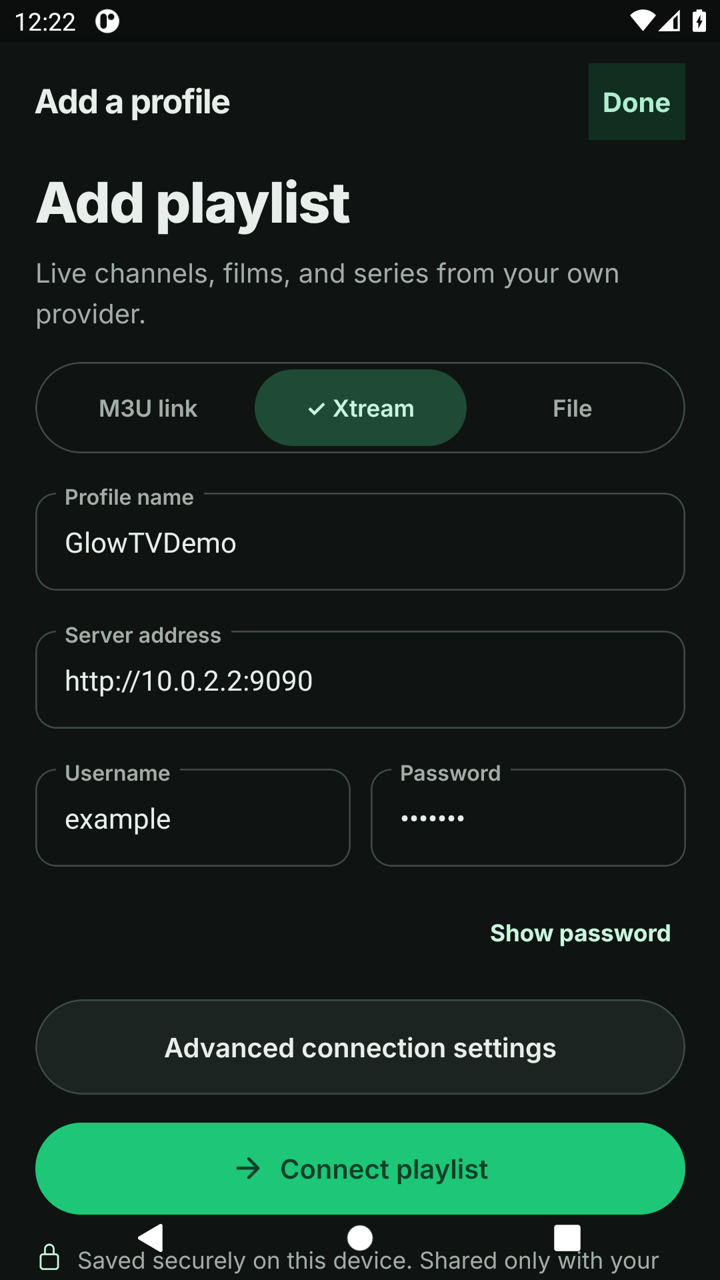
Connect with Xtream Codes, an M3U link or a local playlist file. Keep multiple profiles on your device.
 Download
GlowTV · Your TV, beautifully lit.
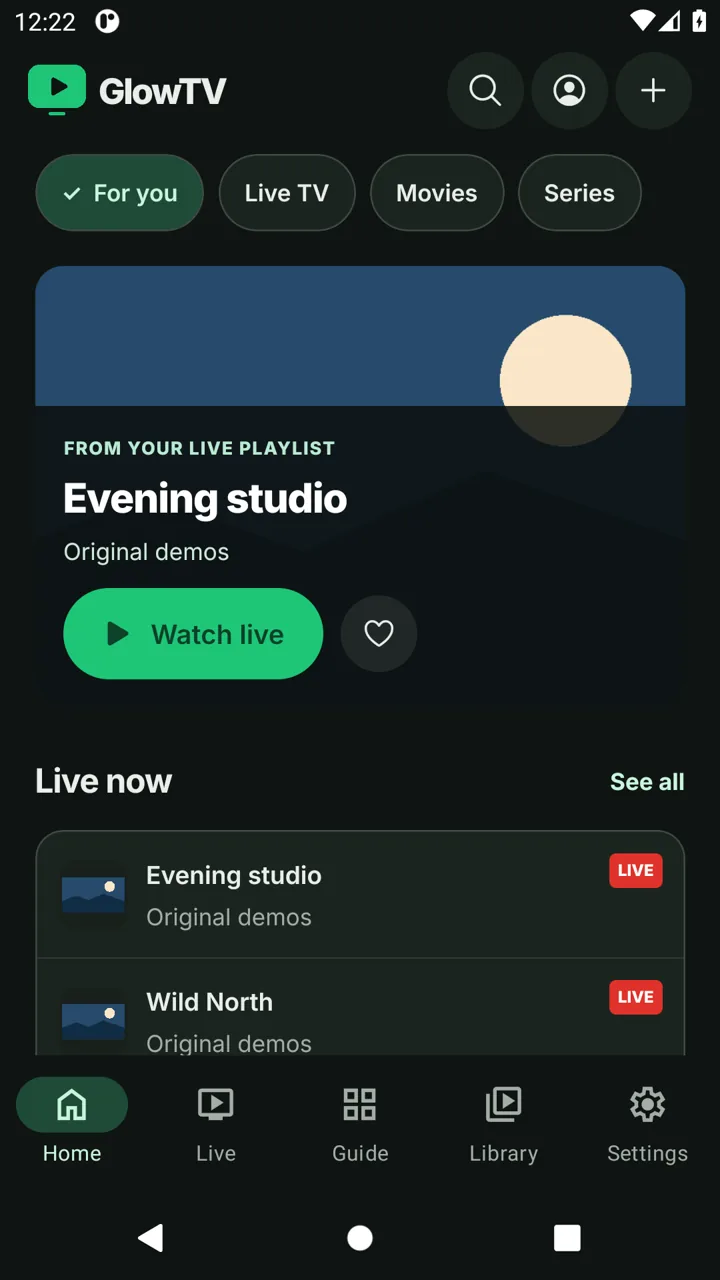
A dark interface that gives your content room to breathe. Connect your M3U playlist or Xtream account and keep your favorites close.
GitHub direct download · Public testing release
The available 0.6.7 file still uses the NodeCast name. The GlowTV screenshots show the upcoming redesign; it is not included in this download.
Standalone Android APK. Allow installation for your browser or file manager when prompted, then install over the existing app to keep your profiles.
Google Play · [PLAY_STORE_URL]
Bring your own playlist
Connect with Xtream Codes, an M3U link or a local playlist file. Keep multiple profiles on your device.
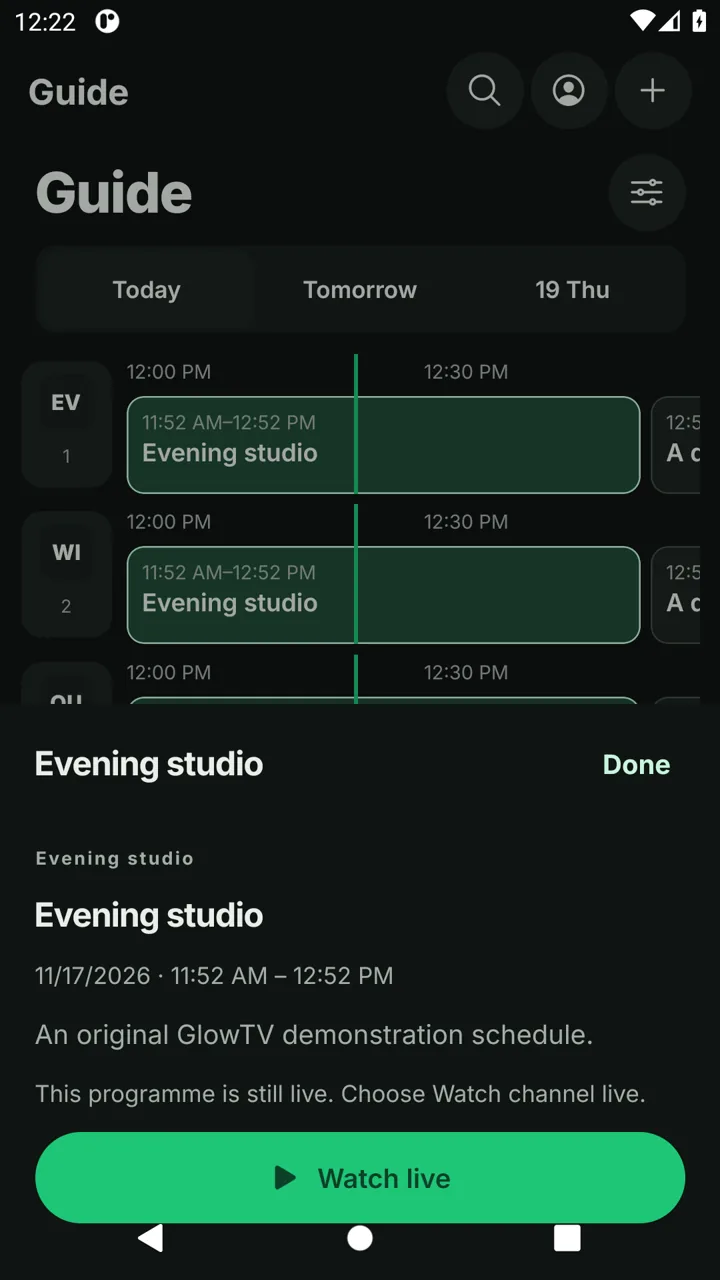
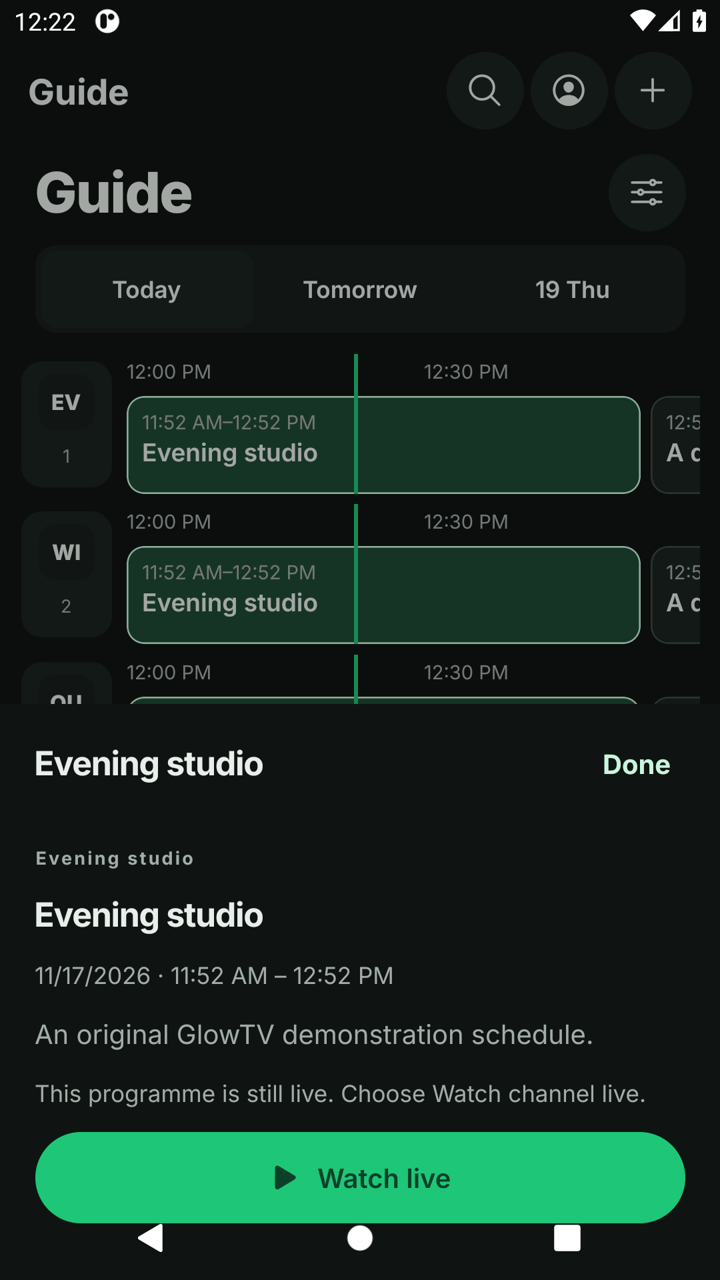
Load XMLTV schedules, search programmes and use catch-up when your provider supports it.
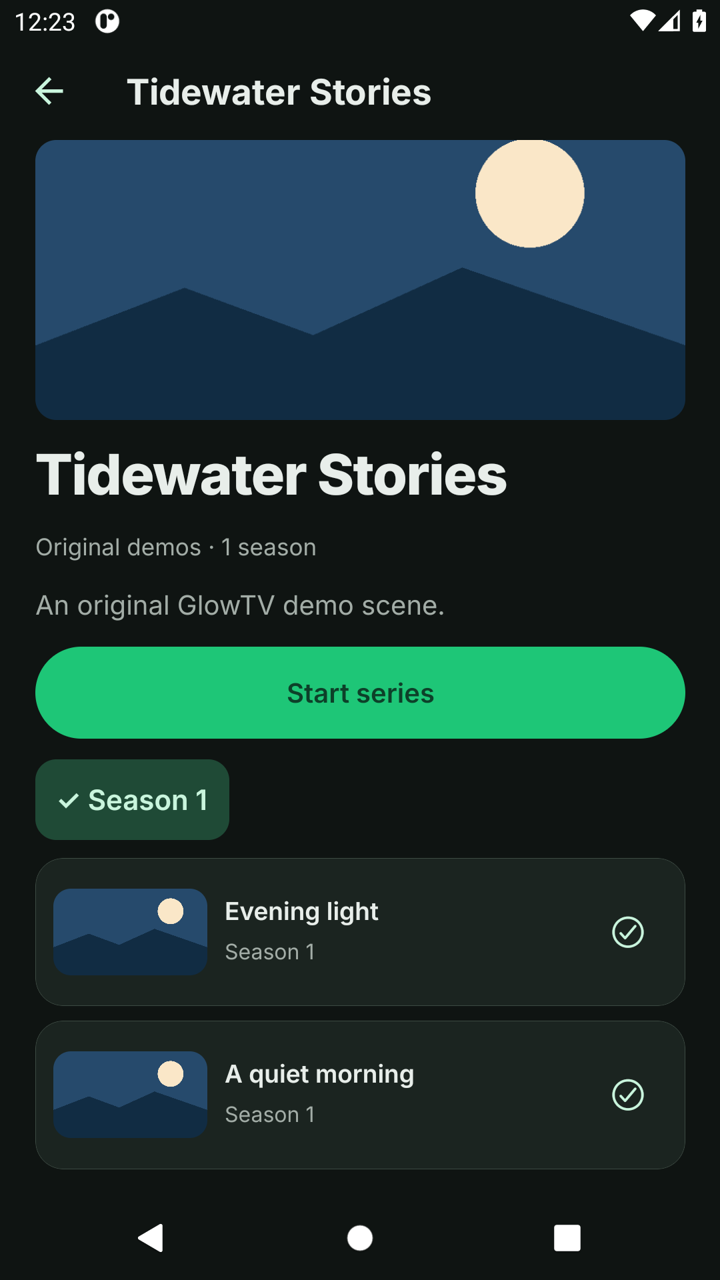
Browse your provider’s library, choose seasons and continue with the next episode.
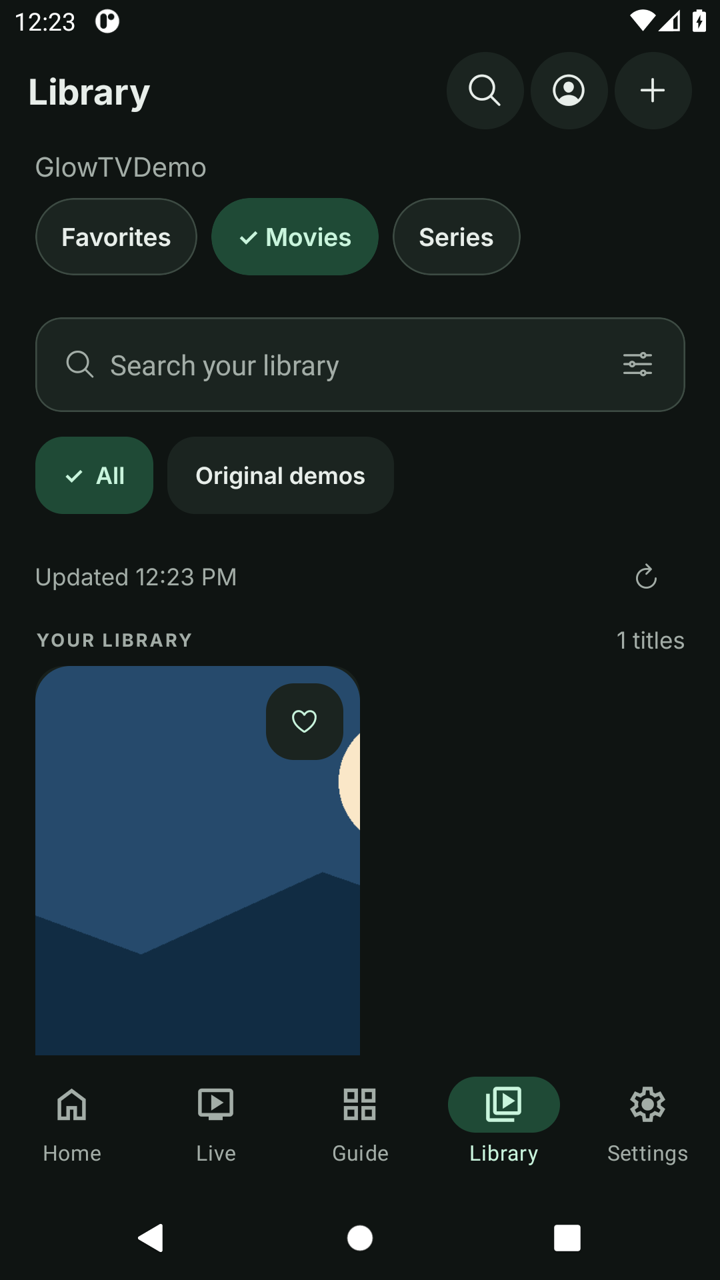
Save channels, resume watching and clear recents without deleting your profiles.
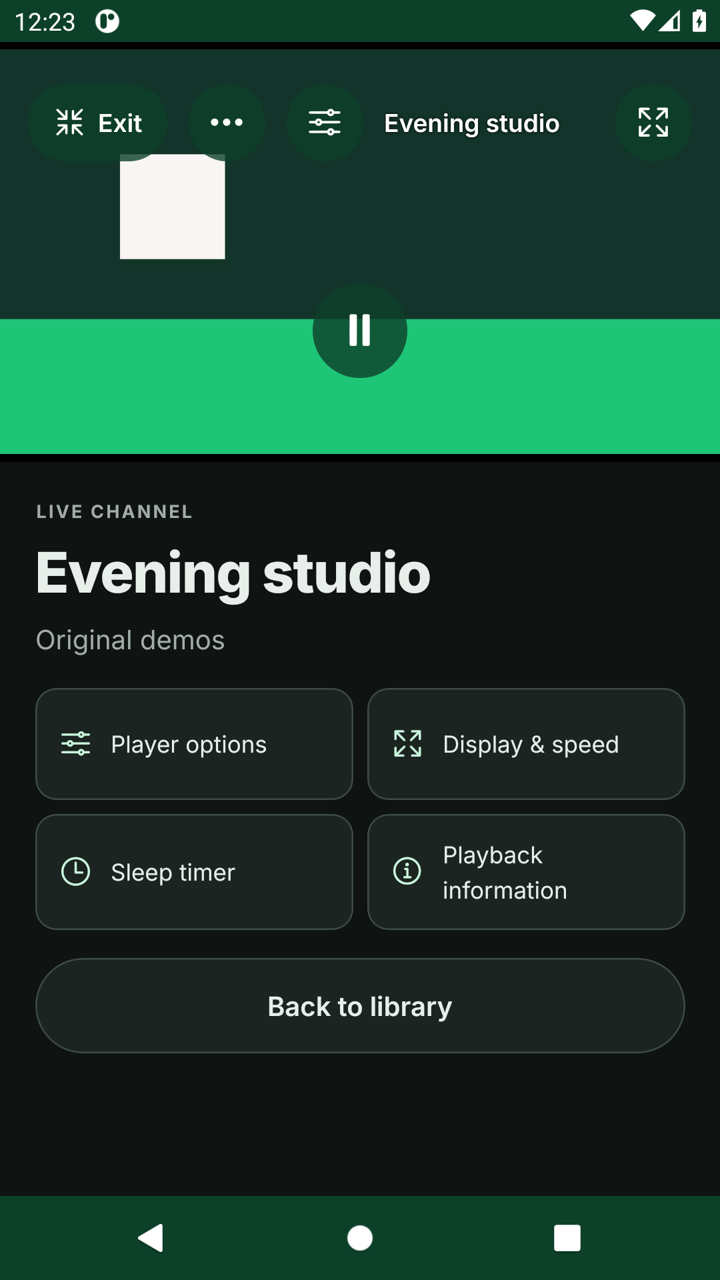
Adjust playback over the video, choose supported player options and set a sleep timer.
Export and import an encrypted backup of profiles and preferences. Use family controls for protected categories.
Know what you are installing
NodeCast-mobile-0.6.7.apkf90a857ded82542b2efc56173b957702cd4fcc11610e8a73374d5f457d8b4554Version history
Follow the installation guide, then connect your own M3U playlist or Xtream Codes account.
Explore the upcoming GlowTV design and development changelog ↗
GlowTV is a media player only. It does not sell, host or provide channels, subscriptions or content. Add your own legally obtained playlists.
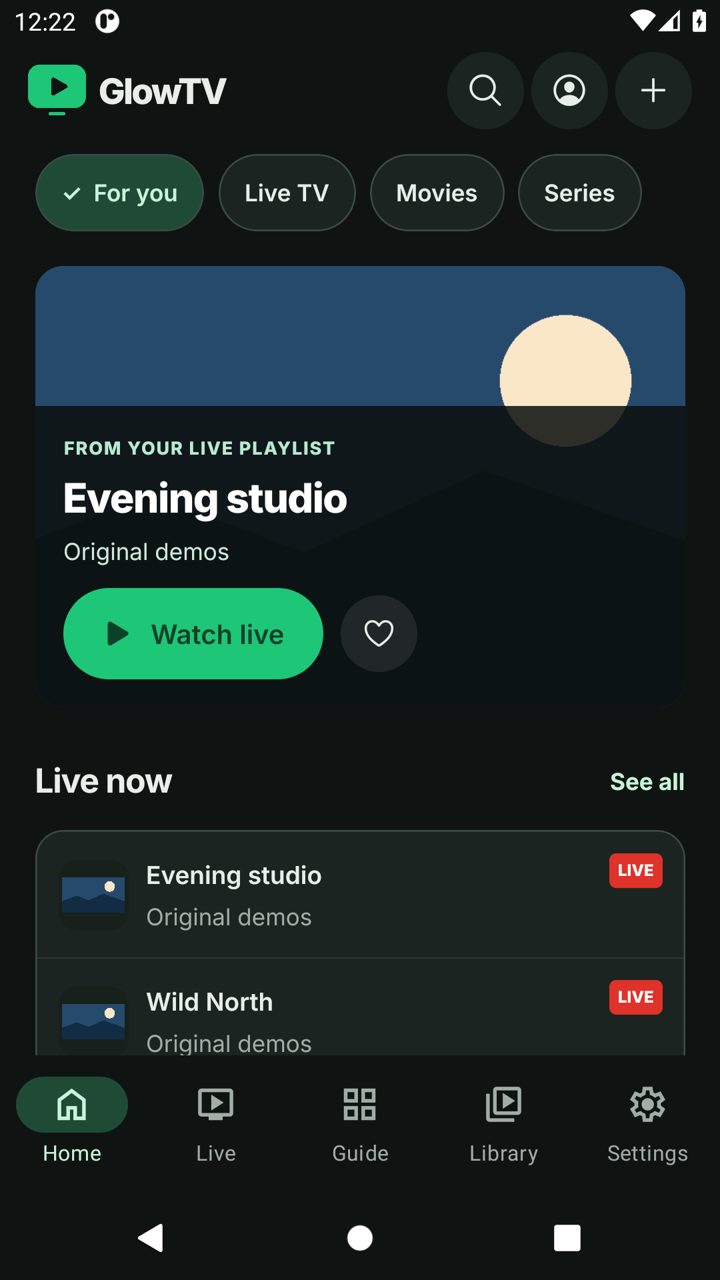
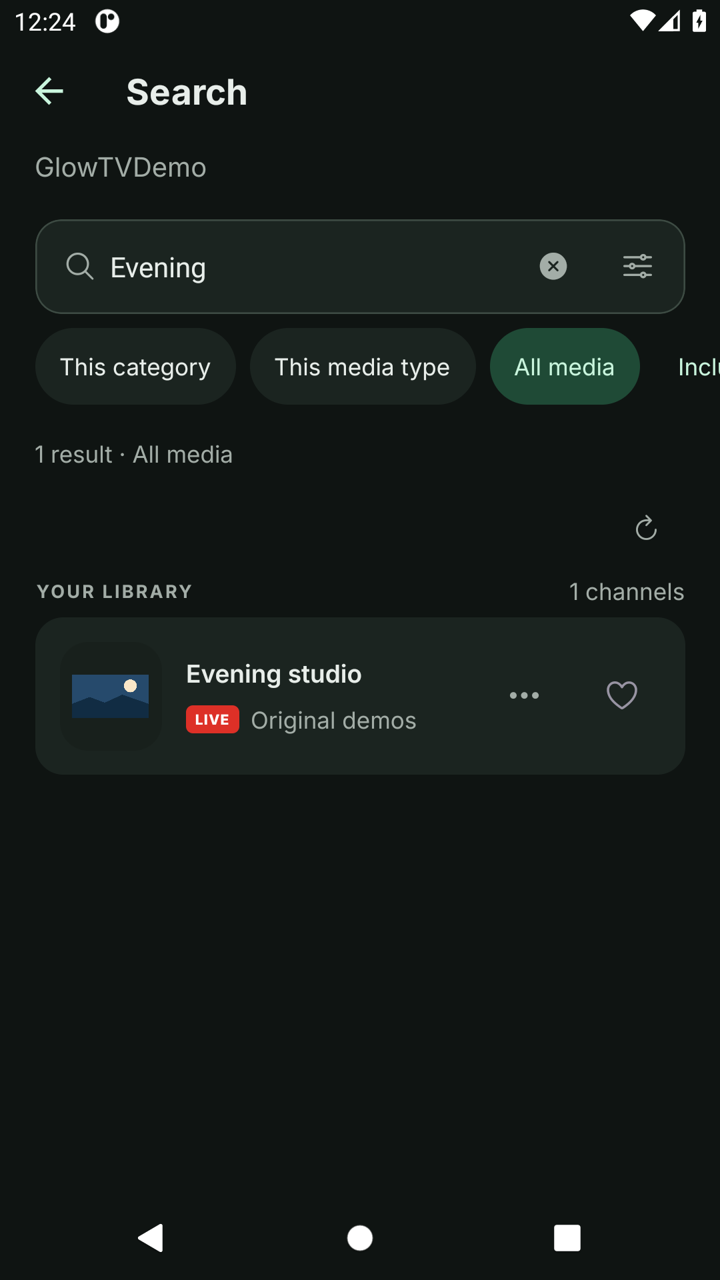
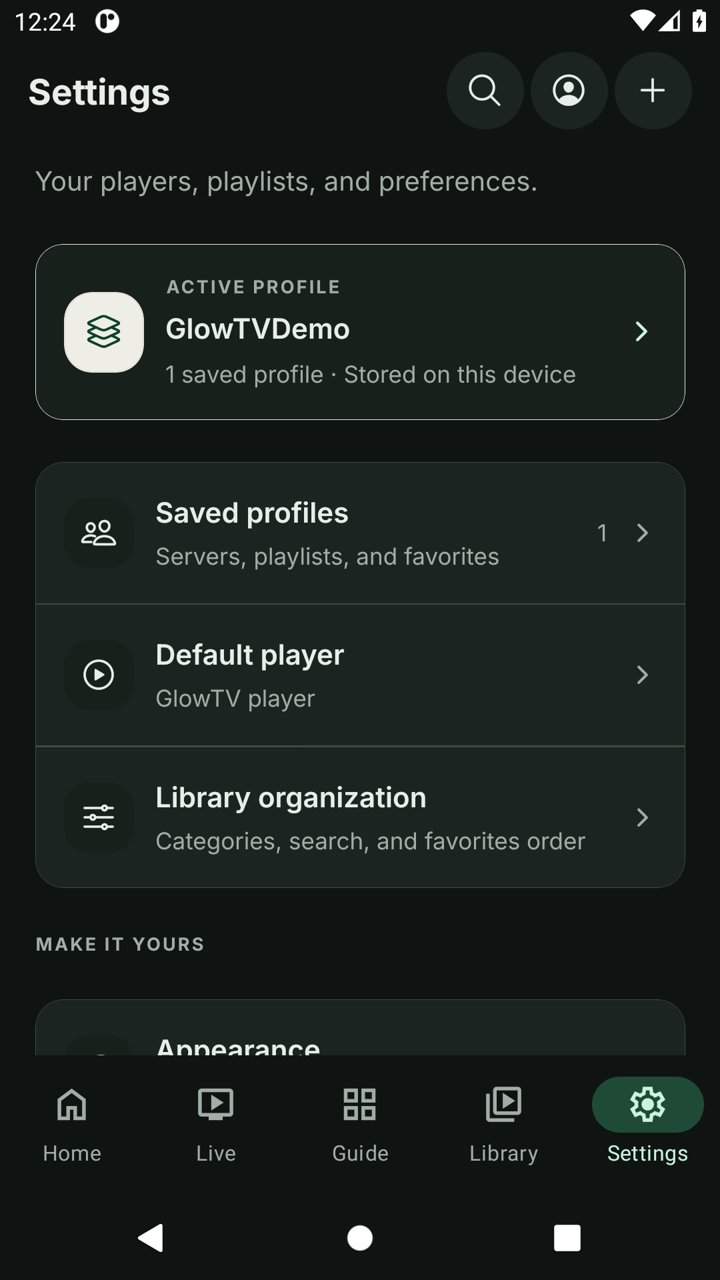
GlowTV design preview · Screenshots show the upcoming interface, not the older NodeCast download.
Made for Android
Swipe, scroll or use the arrow keys.
A few useful answers
No. GlowTV is a player only. You add a playlist or server account from a provider you are entitled to use. No channels or subscriptions are included.
Yes. The player is free. Optional support helps its development and does not unlock channels or features. Your content provider may charge separately.
You can connect with an M3U or M3U8 playlist URL, import an M3U file, or sign in to your provider with Xtream Codes. A stream manifest is not a channel playlist.
No. Your provider profiles and settings stay on your device. You can transfer them with an encrypted backup protected by a password you choose.
Add your provider’s XMLTV URL in the Guide. Programme information depends on your provider and matching channel IDs. Empty schedules do not mean the player is broken.
Catch-up is available for completed programmes when your Xtream provider explicitly supports it and the programme is inside its archive window.
No. GlowTV can compare your public IP with a home reference. A changed address is not proof of a VPN or a secure connection.
Compatible native playback on iOS supports AirPlay and picture-in-picture. Availability depends on the stream and playback engine. Chromecast is not currently supported.
Your playlist. A better place to play.